
Get YouTube Thumbnail From Video
YouTube thumbnails are the preview images shown before a viewer clicks a video. If you want to get a YouTube thumbnail from a video link, you can extract it in seconds using a thumbnail tool or by creating the image URL manually from the video ID.
You can also download thumbnails or check the correct thumbnail size. If HD is missing, read why HD is not available.
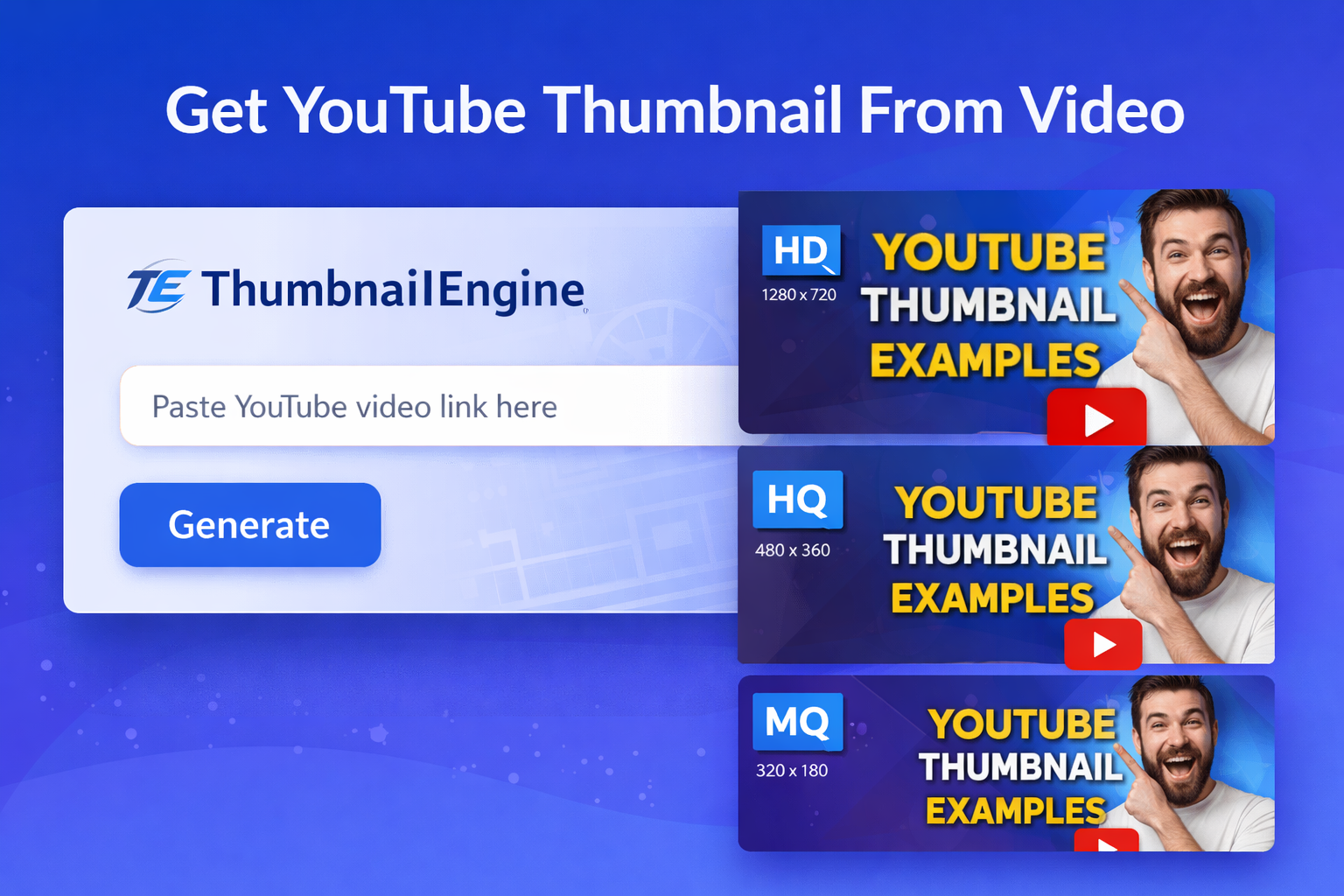
Paste a YouTube link to generate thumbnails instantly
What does “get YouTube thumbnail from video” mean?
When people search for a YouTube thumbnail, they usually want the preview image attached to a specific video. That image can be useful for blog posts, case studies, research, social media references, or simply checking which thumbnail style a creator used. The main step is to identify the video ID, because YouTube thumbnail URLs are based on that ID.
For example, if a video URL contains an ID such as dQw4w9WgXcQ, then the thumbnail can be built
using predictable image paths like maxresdefault.jpg or hqdefault.jpg.
Method 1: Use a Thumbnail Generator Tool
The fastest way to get a YouTube thumbnail from a video is to use a thumbnail generator tool. With ThumbnailEngine, you only need to paste the video URL. The tool extracts the video ID and shows the available thumbnail sizes instantly.
- Copy the YouTube video URL.
- Paste it into the field above.
- Click Generate.
- Open the thumbnail result page and download the size you need.
This method is ideal for users who want a quick result without manually editing URLs. It also helps when
the source link is a Shorts URL, a short youtu.be link, or an embed link.
Method 2: Extract Thumbnail Manually
You can also create the thumbnail URL yourself if you already know the video ID. This is useful for developers, bloggers, and advanced users who want to copy the direct YouTube thumbnail URL.
If the video link is:
https://www.youtube.com/watch?v=VIDEO_IDThen you can build the direct thumbnail URL like this:
https://img.youtube.com/vi/VIDEO_ID/maxresdefault.jpg
Replace VIDEO_ID with the real 11-character YouTube ID. If the HD image is not available, try
another size such as hqdefault.jpg.
Common YouTube URL formats you can use
ThumbnailEngine supports different types of YouTube links, including:
https://www.youtube.com/watch?v=VIDEO_IDhttps://youtu.be/VIDEO_IDhttps://www.youtube.com/shorts/VIDEO_IDhttps://www.youtube.com/embed/VIDEO_ID
You can even paste the raw video ID directly. If the format is valid, the tool redirects you to the thumbnail page automatically.
Available Thumbnail Sizes
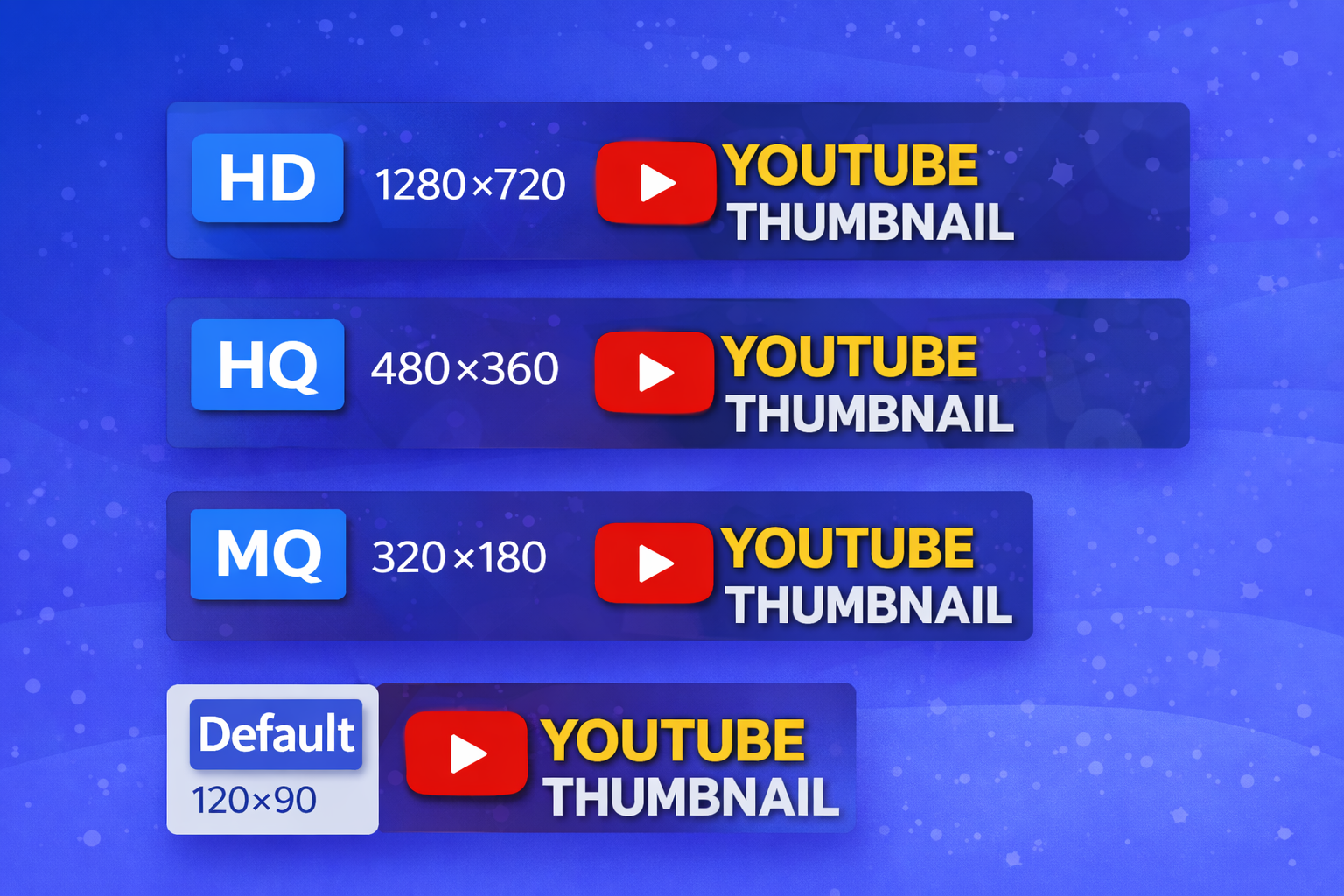
YouTube may provide several thumbnail sizes for the same video:
| File name | Typical use | Notes |
|---|---|---|
maxresdefault.jpg |
Best quality / HD preview | Not available for every video. |
hqdefault.jpg |
High quality image | Usually the best fallback when HD is missing. |
mqdefault.jpg |
Medium quality image | Works well for lightweight previews. |
default.jpg |
Small thumbnail | Lowest standard size. |
https://img.youtube.com/vi/VIDEO_ID/maxresdefault.jpg
https://img.youtube.com/vi/VIDEO_ID/hqdefault.jpg
https://img.youtube.com/vi/VIDEO_ID/mqdefault.jpg
https://img.youtube.com/vi/VIDEO_ID/default.jpg
If you want to understand the correct dimensions, read our guide about YouTube Thumbnail Size. For layout guidance, you can also check YouTube Thumbnail Ratio.
Why HD Thumbnail Is Not Available
Some users paste a video URL and notice that the HD version does not load. This is normal. Not every video
has a maxresdefault.jpg image.
- The original upload may not have generated a full HD preview.
- The video may be new and some thumbnail versions are not ready yet.
- YouTube may only expose HQ or MQ versions for certain videos.
- The creator may have changed the thumbnail and the highest version is not accessible the same way.
In most cases, the solution is simple: try hqdefault.jpg first. That version is available much
more often and still looks good in most blog posts or references.
Tips for Using YouTube Thumbnails
- Use the HD version when it exists, especially for full-width images.
- Use HQ as a fallback to avoid broken images.
- Keep the 16:9 ratio when you display thumbnails on your website.
- Compress large images if you want faster page speed.
- Always verify that your use of the image is appropriate for your project.
Copy the direct YouTube thumbnail URL
If you do not want to download the image right away, you can simply copy the direct thumbnail URL and use it later in your CMS, notes, or code. This is especially useful for developers and content managers who want to display a video preview without uploading the image manually.
Start with the video ID, choose the size you want, then copy the full URL. That is the same logic used in guides such as Copy YouTube Thumbnail URL and YouTube Thumbnail URL.
FAQ
Can I get a thumbnail from any YouTube video?
Yes. Most YouTube videos expose at least one thumbnail image. The highest HD version may not always be available, but HQ, MQ, or Default versions usually are.
What is the best thumbnail quality?
maxresdefault.jpg is usually the best quality when it exists. If it is missing,
hqdefault.jpg is the next best option.
Do all videos have HD thumbnails?
No. Some videos only provide HQ or MQ thumbnails instead of HD. That is why a good thumbnail tool should show every available size.
Can I paste Shorts or youtu.be links?
Yes. The tool can extract the video ID from standard watch URLs, short links, embed links, and Shorts links.
Is it better to use a tool or do it manually?
A tool is faster for most users because it validates the URL and shows multiple sizes. Manual extraction is useful when you already know the video ID and only need a direct image URL.